Report Lifecycle
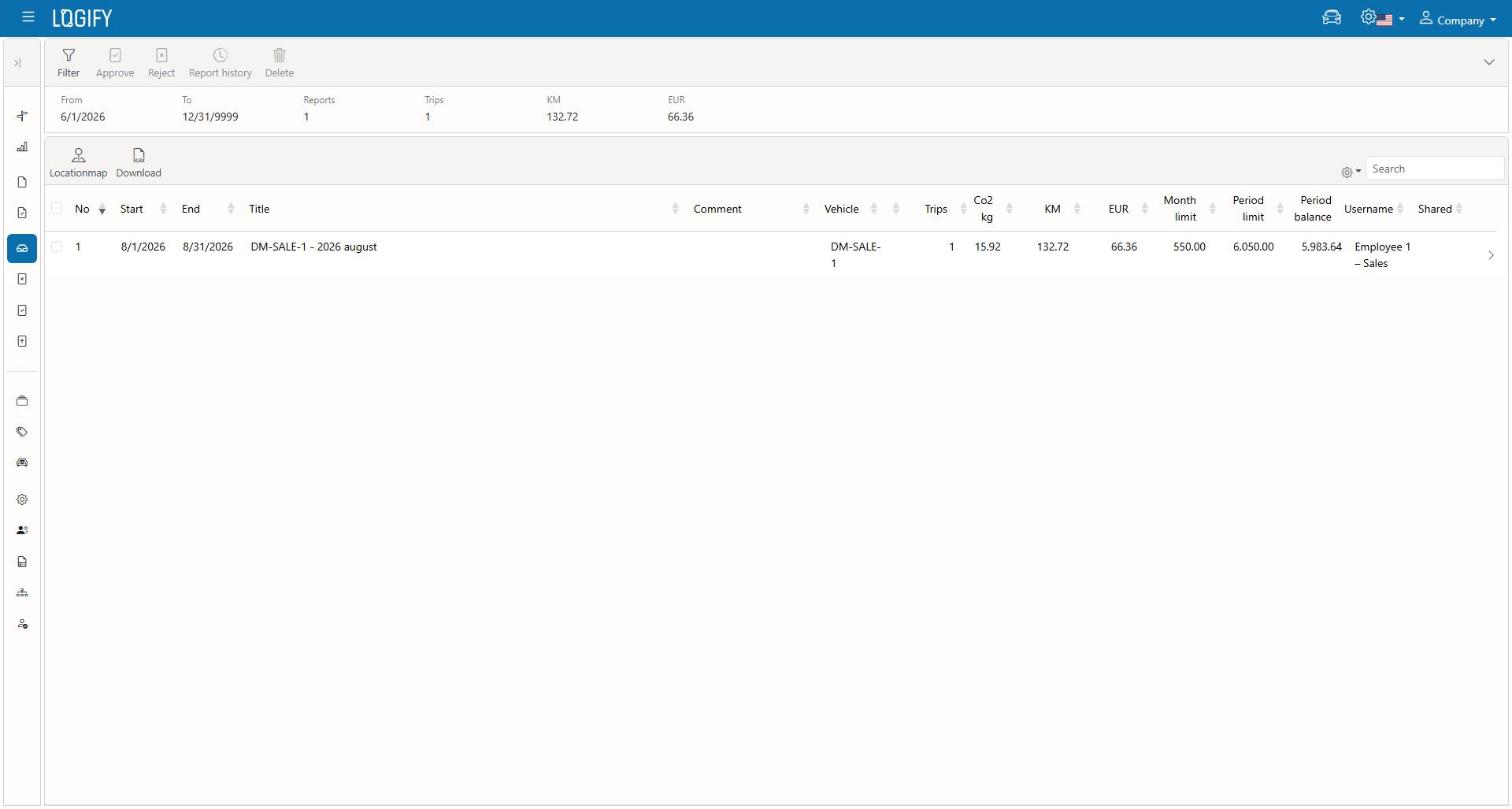
The basic report cycle
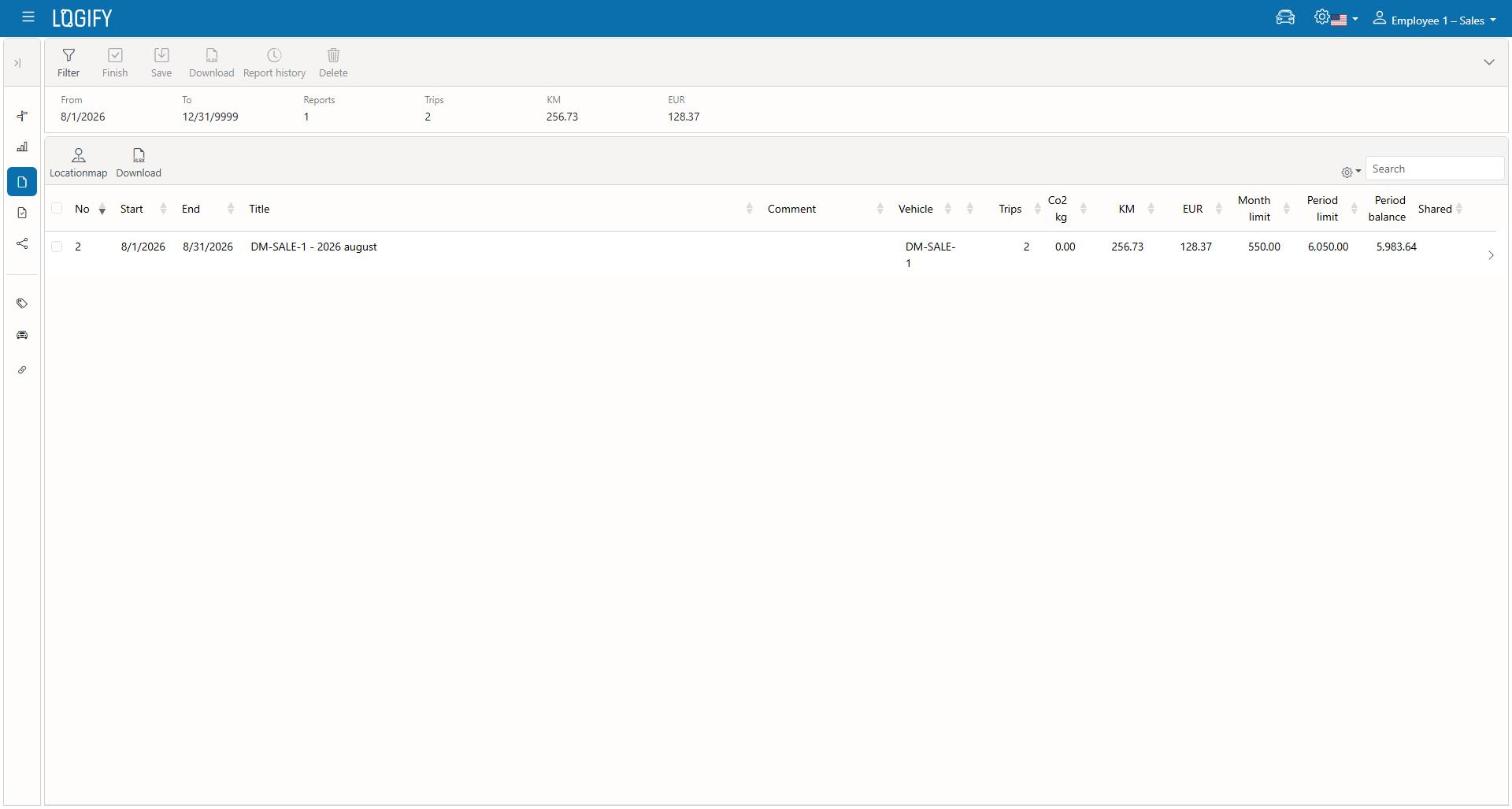
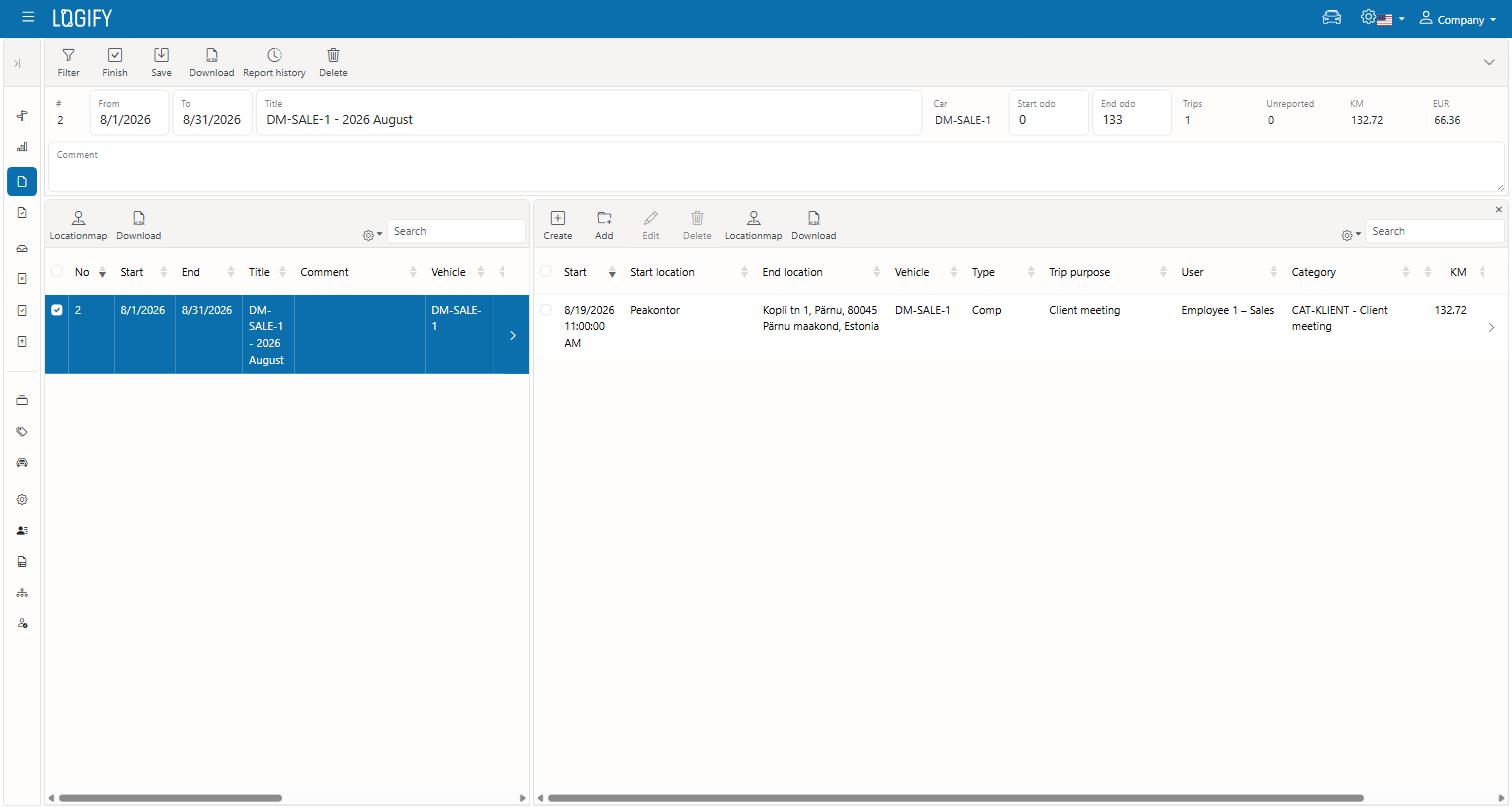
- Create a report (draft) — pick a period and vehicle(s). The report starts in "draft" status, and trips can be freely added, removed, and edited.
- Adjust it — add trips into the draft ("Add to draft"), correct trip details as needed. A trip can only be edited while its report is still in draft.
- Finish it — once the report is ready, finish it. The report locks, and can now be shared or exported.
- Revert to draft — if a finished report still needs changes, it can be reverted back to draft.
Team approval extension
This part applies if you're part of a team (connected users).
- A finished report can be shared to the central connected account for approval and forwarding to accounting; it appears on their "Received" tab.
- The central user approves or rejects the report. Rejecting requires a reason.
- A rejected report can be withdrawn back to draft, corrected, and resubmitted.
- Approved reports can be exported to Excel, which accounting uses as the basis for paying out reimbursement.